
How to review and approve your artwork proof
Check the final version carefully, gather clear corrections and make the approval instruction unambiguous.
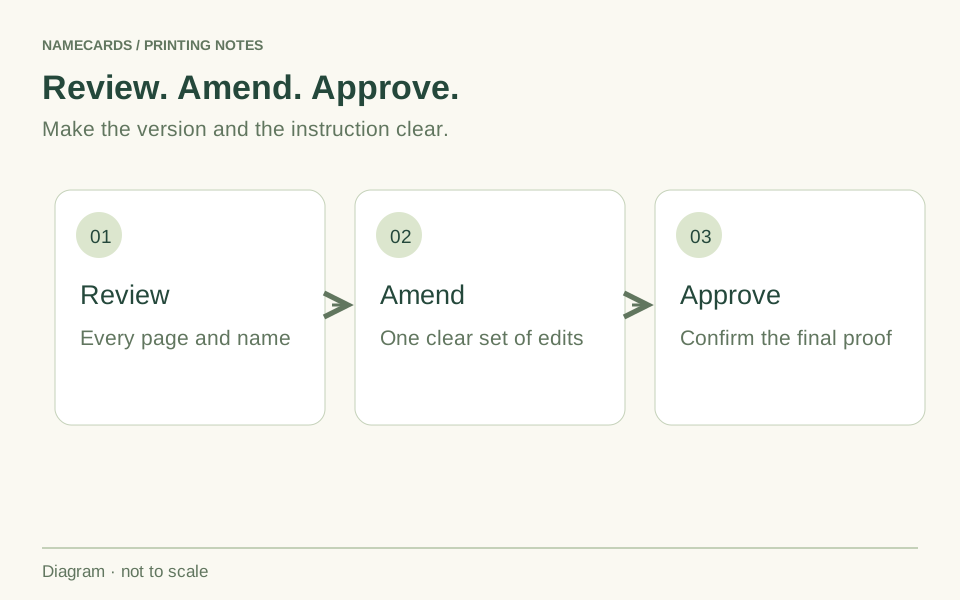
Check the version and the full job
Confirm that the proof represents the latest file and the intended product. Review every page, both sides of a card and each person in a team order. A correct first example does not prove that every version is correct.
Keep the approved source content beside you. Check names, roles, phone numbers, email addresses, websites, quantities and any version-specific detail. Verify front/back orientation and the requested material and finishing instructions.
Review what a screen proof can show
A screen proof is useful for content, layout and the intended placement of finishing. It cannot reproduce the exact feel of paper, a foil reflection or a guaranteed physical colour match. Raise colour-critical or material questions before approval.
Open links and test QR destinations. Where appropriate, review a printed test at the intended size to judge readability. Keep essential text clear of the trim or cut area and identify any uncertainty about a finishing mask.
Send one clear set of corrections
List the page or person, the existing text or element, and the required replacement. Consolidate feedback from the relevant decision-makers so the team receives one consistent instruction. Avoid sending several messages that contradict each other.
If you supply a revised file, identify it as the intended replacement and ask for the updated proof to be checked. Do not approve an old proof while separately sending a new production file.
Confirm approval and the next step
When everything is correct, confirm approval of the stated proof version. Production starts after artwork approval and the applicable payment, purchase order or agreed credit arrangement have been confirmed. The selected product or quotation determines the schedule.
If you spot a problem after approval, contact the team promptly to check the job’s current stage. Whether it can still be changed, and any effect on cost or timing, depends on the work already completed.
Questions & answers
Does artwork approval confirm payment as well?
No. Artwork approval and the commercial arrangement are separate confirmations. A payment link being opened does not itself establish payment.
Can different colleagues review their own cards?
Yes, but nominate someone to consolidate corrections and make the final approval instruction clear for the complete job.