
Artwork & file preparation
Build a file that matches the finished print. Start with the layout, then check colour, fonts, export settings and any special finishing layers.
Choose the guide for your next step
If you are starting a design, begin with Preparing artwork for your name cards. If the design is already complete, use the PDF export guide and the final file checklist. For foil, Spot UV or die cutting, read the specific finishing guide as well: the printed design and production instructions have different jobs.
 A practical guide
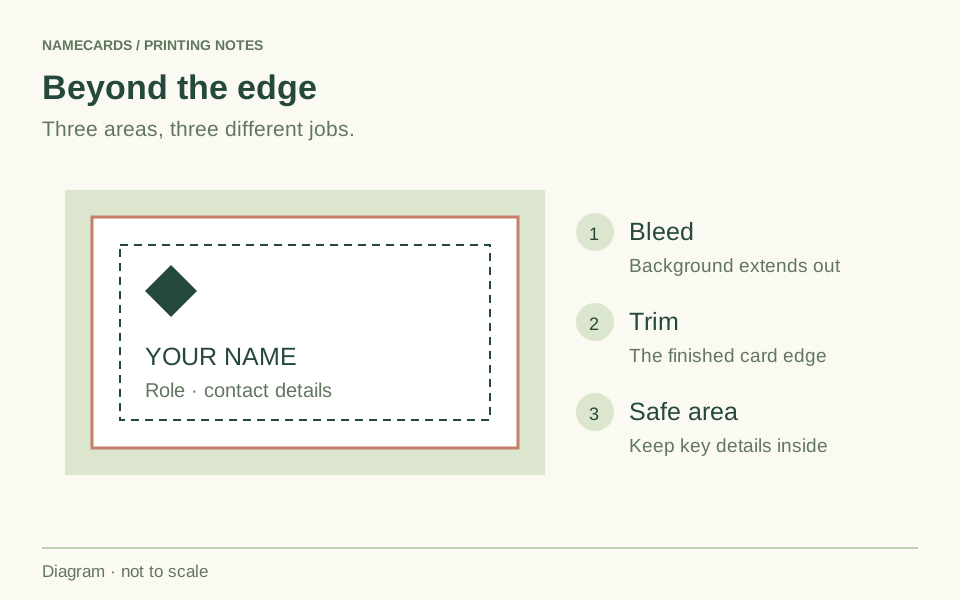
Preparing artwork for your name cards
Plan the size, layout and files for a clear printed introduction, whether you are ordering one name or a whole team.
Read more ↗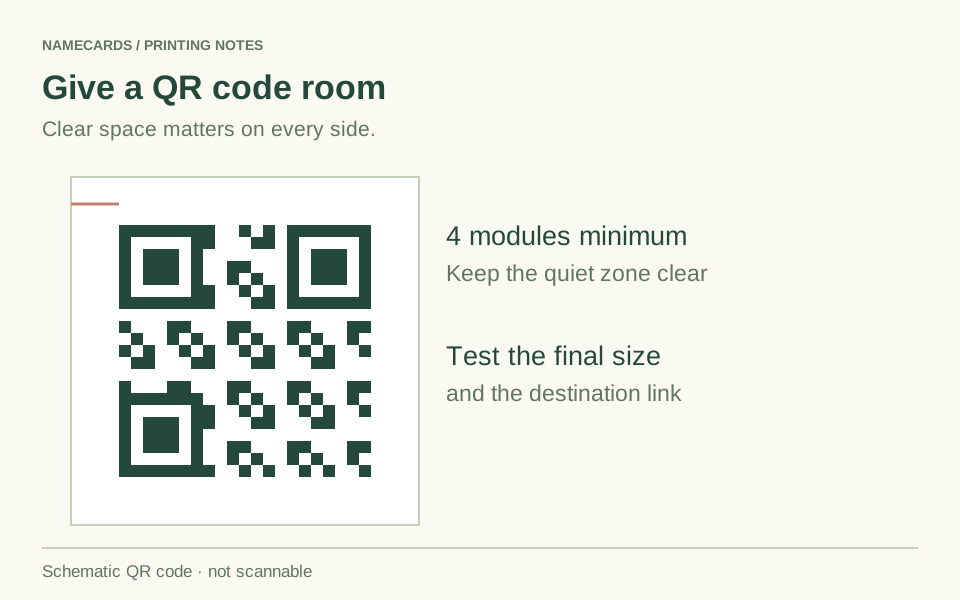 A practical guide
Why a printed QR code will not scan
Separate a broken destination from a printing problem, then check contrast, clear space and the code at its final size.
Read more ↗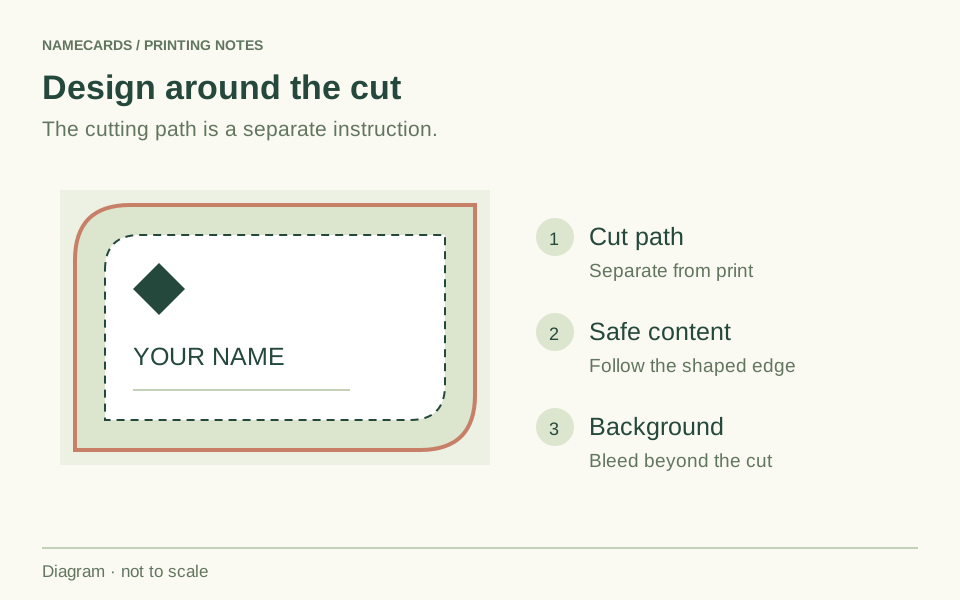 A practical guide
Preparing die-cut name-card artwork
Build the print around the cutting shape and keep the artwork, cut path and important content clearly separated.
Read more ↗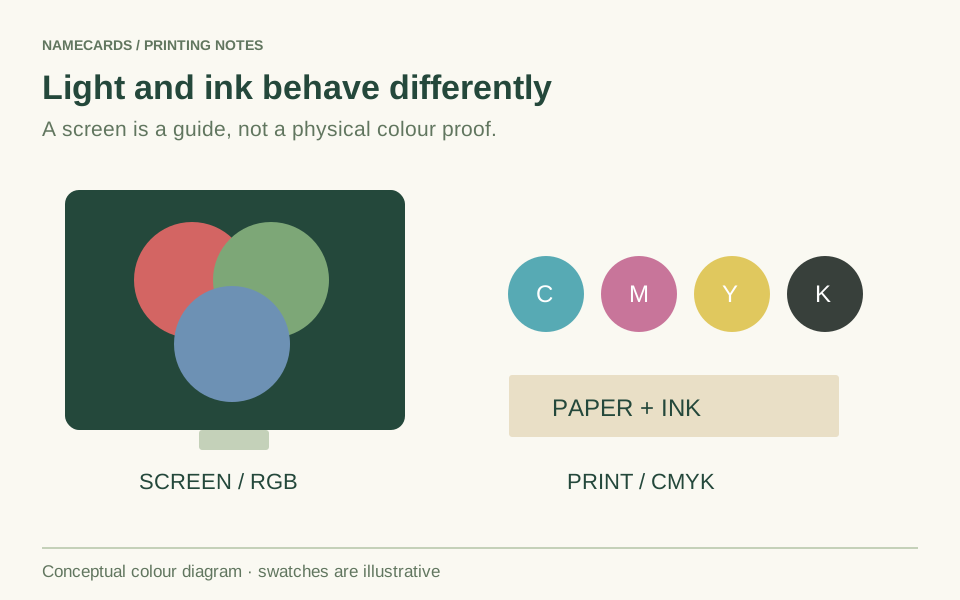 A practical guide
RGB, CMYK and colour in your print file
Understand why a bright screen and a printed sheet can look different, and prepare colour for the process you have chosen.
Read more ↗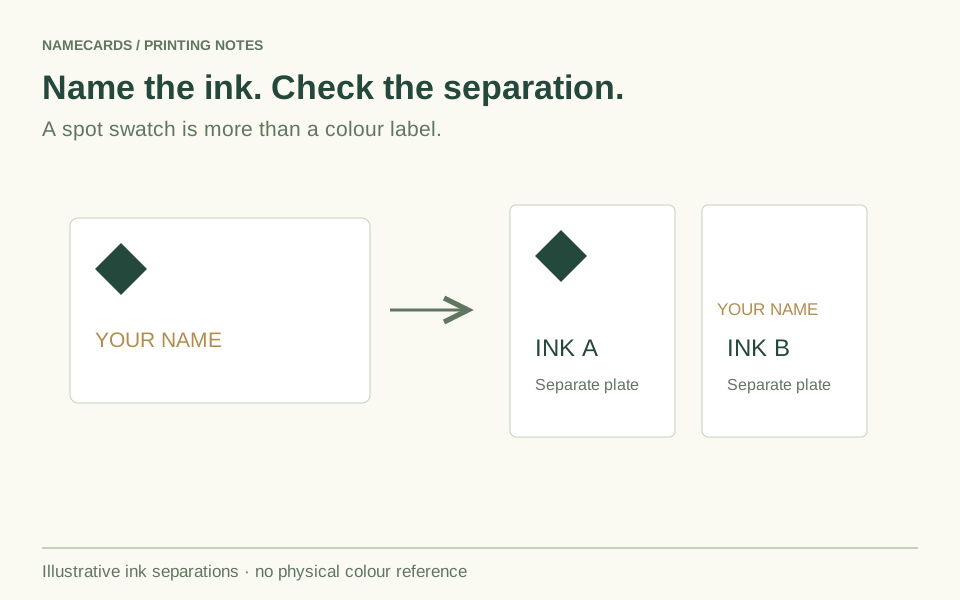 A practical guide
Preparing artwork for spot-colour printing
Specify the intended inks, keep their separations clear and distinguish spot-colour printing from coatings and foil.
Read more ↗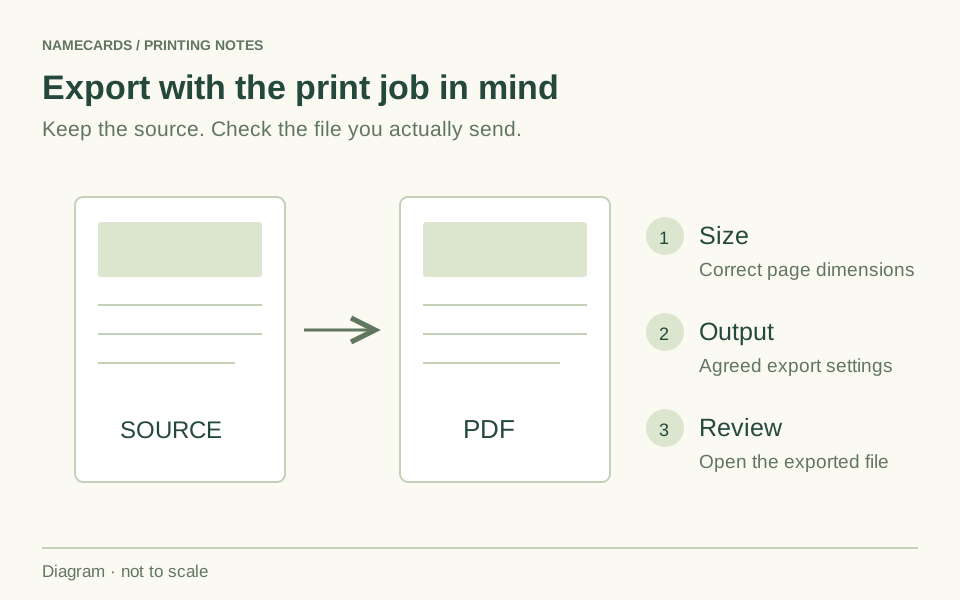 A practical guide
Exporting a PDF that is ready for print review
Check page geometry, images, fonts and colour settings in the exported file, rather than relying on the export preset’s name.
Read more ↗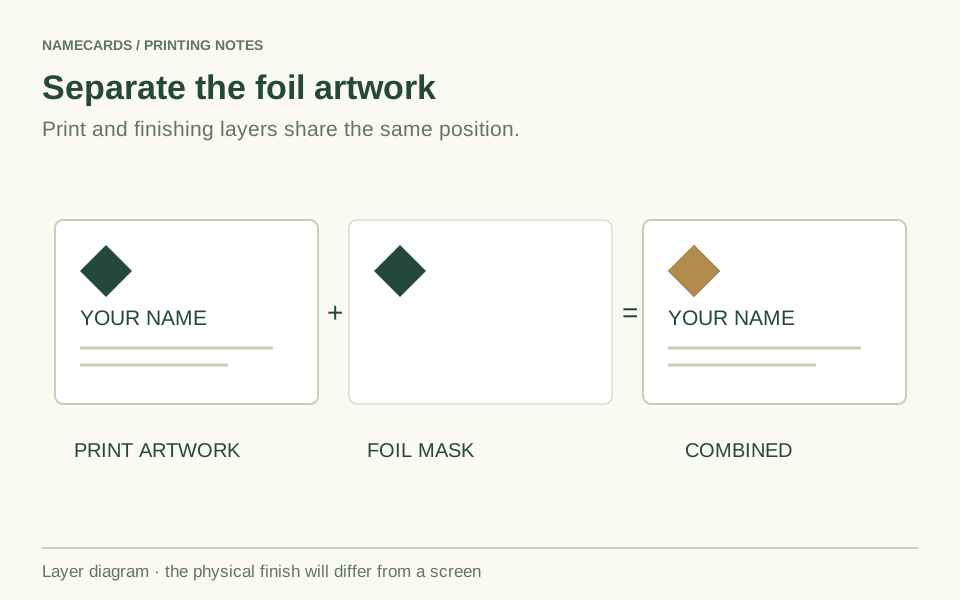 A practical guide
Preparing artwork for hot stamping
Separate the foil design from printed colour, align the files and confirm the foil colour and stamping area.
Read more ↗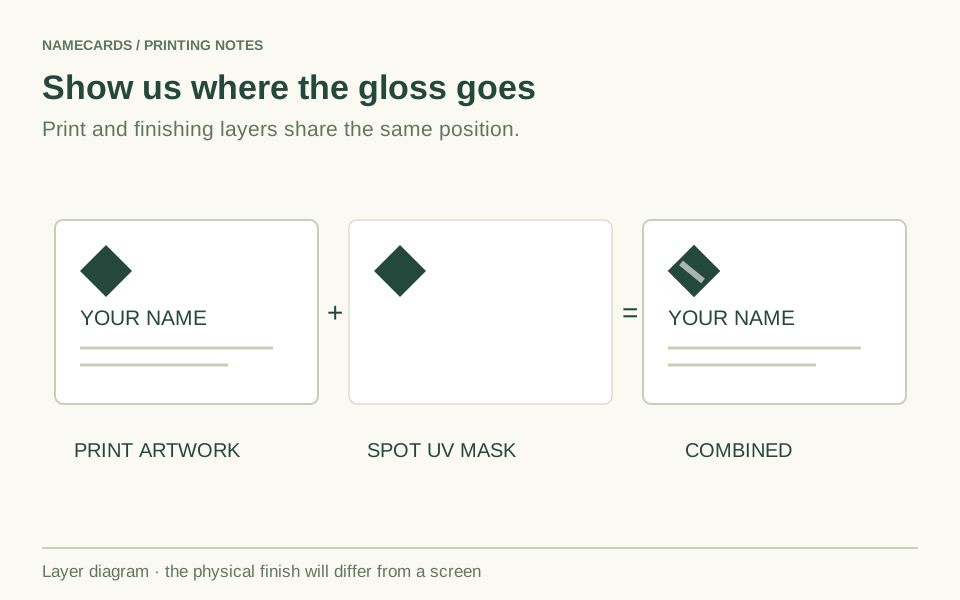 A practical guide
The Spot UV artwork checklist
Prepare a separate coating mask and choose the coated sides independently from the printed sides.
Read more ↗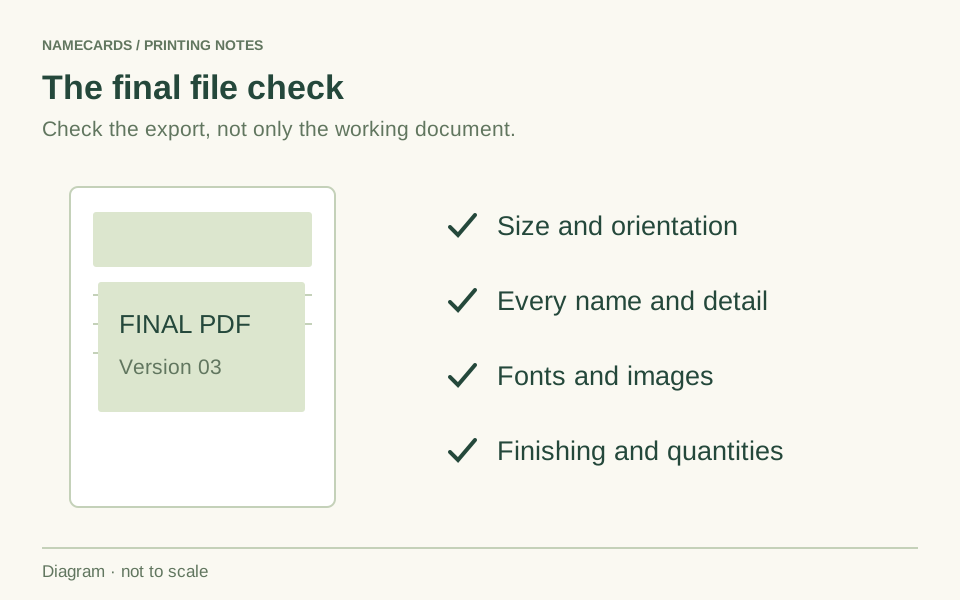 A practical guide
Your final print-file checklist
Use this check on the actual exported files immediately before submission or approval.
Read more ↗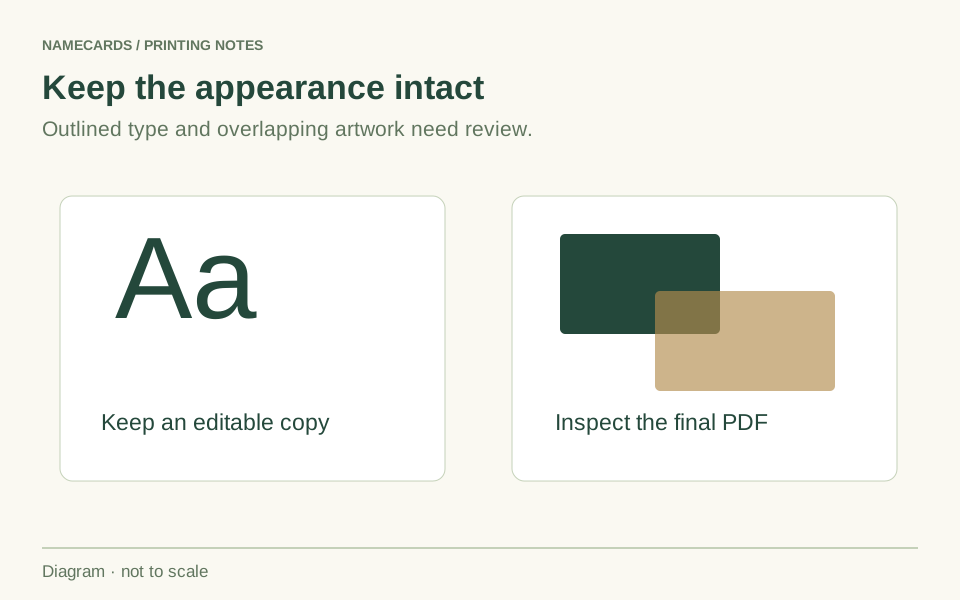 A practical guide
Fixing fonts and transparency before printing
Spot missing characters, substituted fonts and unexpected overlaps before they become part of the printed job.
Read more ↗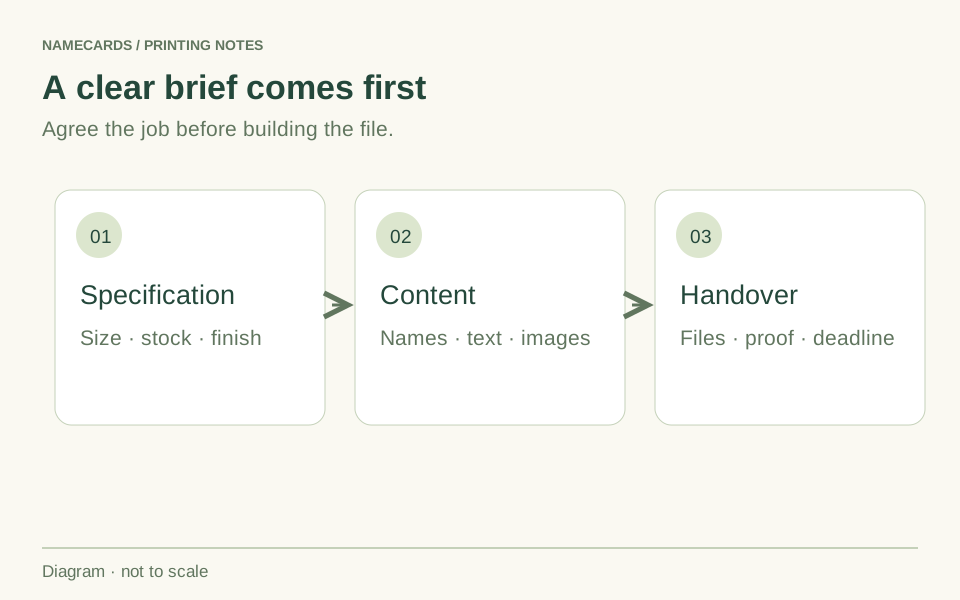 A practical guide
Prepare your project before you start designing
Gather the right content, source files and production decisions before spending time on the layout.
Read more ↗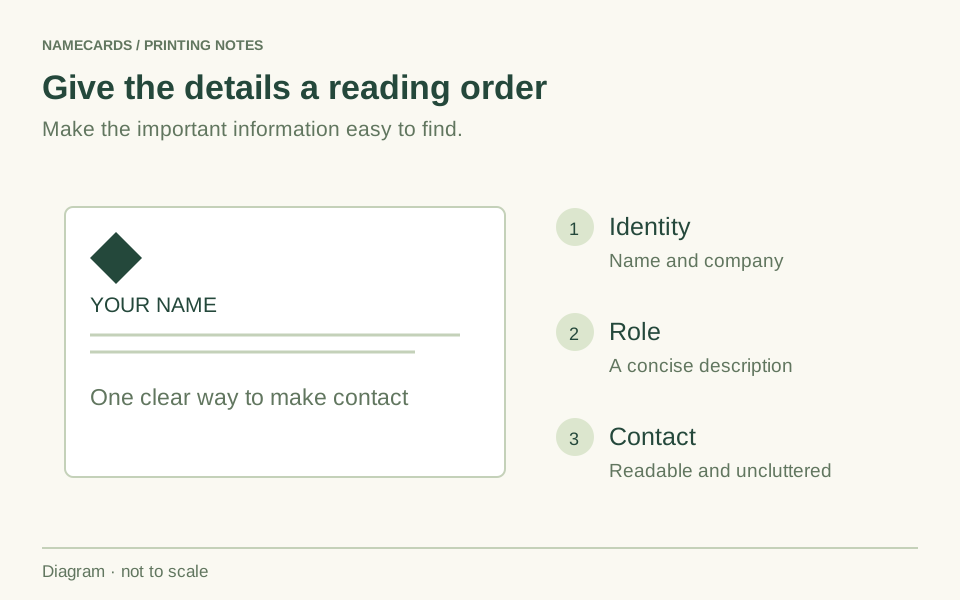 A practical guide
Five name-card design mistakes to avoid
A useful card needs a clear message, readable details and artwork prepared for its actual printed size.
Read more ↗